
Resize Image to 100KB for Perfect Balance
The resize image to 100KB option is one of the most commonly used presets for everyday digital uploads. It is designed for situations where file size restrictions exist, but image clarity still matters. This level is ideal when you need a professional-looking image that remains lightweight enough for fast uploads and smooth performance across platforms.
- Balanced Compression: Maintains clarity while reducing file size to a widely accepted standard.
- Instant Processing: Auto mode quickly adjusts your image close to 100KB without manual effort.
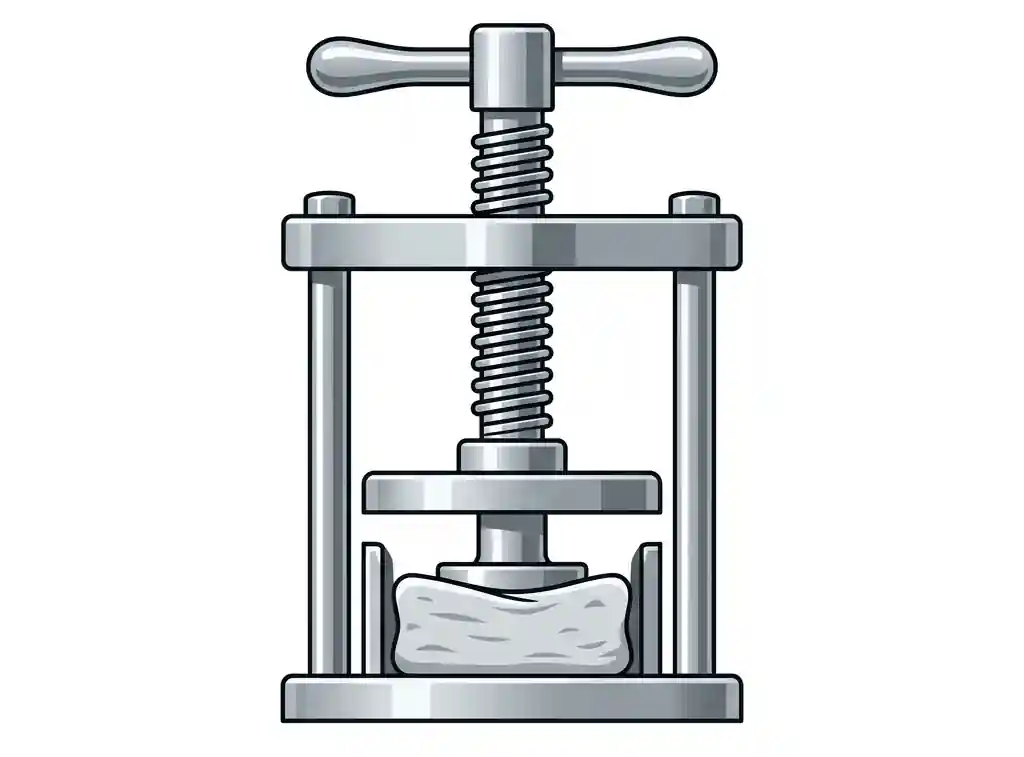
Quick Guide – Convert Image to 100KB
Upload File
Select your image in JPG, PNG, or WEBP format.
Select 100KB
Apply the preset to automatically optimize file size.
Adjust If Needed
Use custom controls for fine-tuning compression and dimensions.
Lock Ratio
Maintain original proportions to avoid distortion.
Download
Get your optimized 100KB image instantly.
Why 100KB Is a Standard Image Size
The 100KB image size is widely accepted because it offers a strong balance between quality and performance. It is large enough for readable detail but still small enough for fast loading and smooth uploads across most platforms.
- Professional Use: Commonly used in resumes, profiles, and business platforms.
- Faster Uploads: Keeps file transfer quick even on mobile networks.
- Universal Acceptance: Works across most online systems without rejection.
Where 100KB Images Are Commonly Used
Professional Profiles
Ideal for resumes, portfolio websites, and networking platforms.
Job Applications
Frequently used in online forms and document submissions worldwide.
Email Attachments
Keeps images lightweight for faster sending and receiving.
Need other sizes? Try Resize Image to 20KB, Resize Image to 50KB, Resize Image to 200KB, or Resize Image to 500KB.
Auto Mode vs Custom Optimization
Auto 100KB Mode
Automatically compresses and resizes your image to match the 100KB target with optimal quality settings.
Custom Control Mode
Lets you manually adjust dimensions and compression for more precise output control when needed.
If exact 100KB cannot be achieved due to image complexity, the tool generates the closest possible optimized version with quality preservation.
Best Format for 100KB Images
- JPG: Best for photos and general uploads with efficient compression.
- WEBP: Modern format offering high quality at smaller file sizes.
- PNG: Suitable for graphics where transparency is needed.
Frequently Asked Questions
Is 100KB suitable for professional uploads?
Yes, it is one of the most widely accepted file sizes for professional and online platforms.
Will image quality remain good at 100KB?
Yes, the tool is optimized to preserve clarity while reducing file size efficiently.
Resize Image to 100KB Now
Upload your image and get a perfectly optimized 100KB file instantly with smart compression and control options.